· 1 min read
Making real device mockups with AI and a little Python
AI draws the devices on a green screen with magenta screens; a short script puts the real work on them.
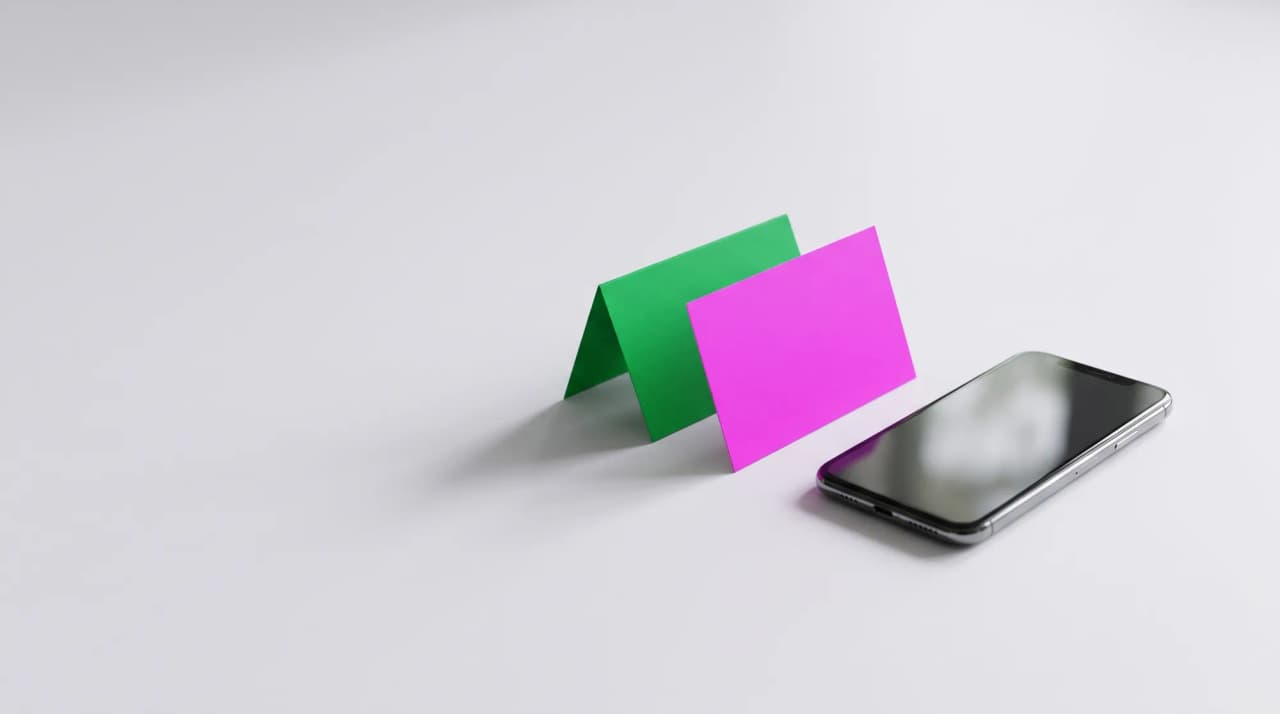
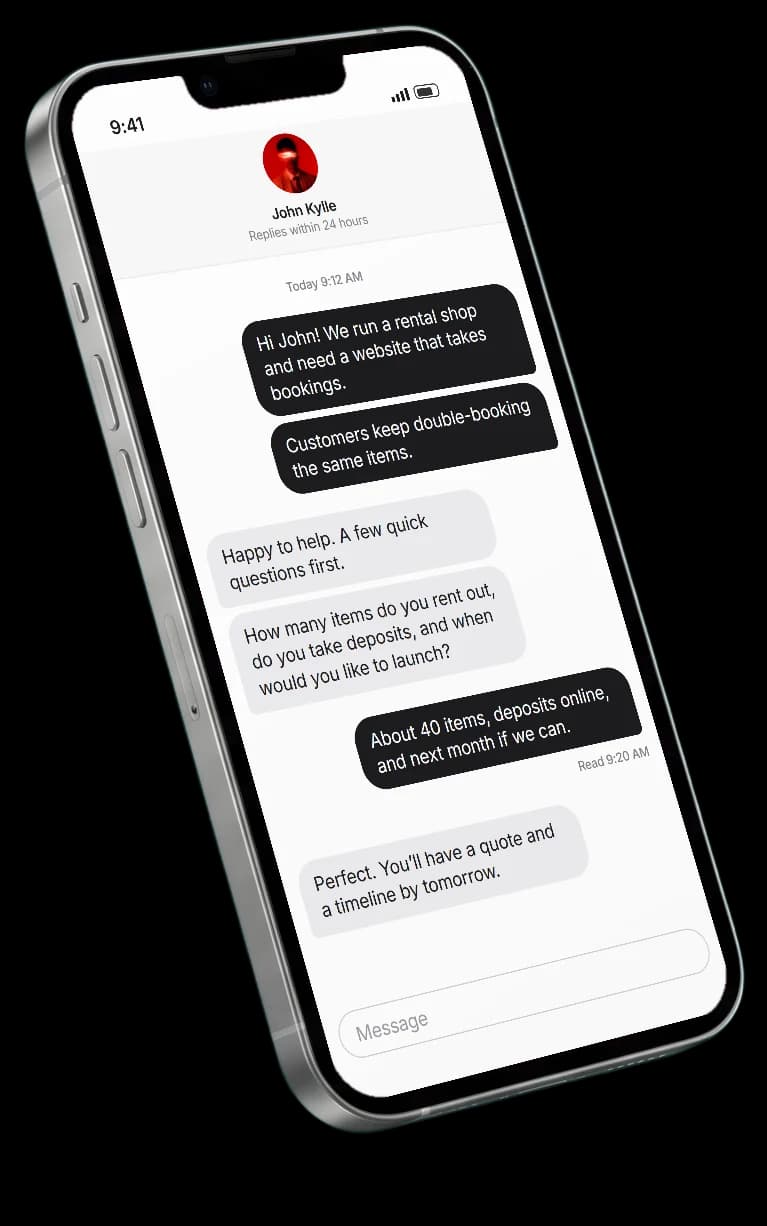
The laptops and phones on my project pages show the real sites I built. They start as AI-generated renders, but the screens are never AI: they're actual screenshots, put in place afterwards.
Two colours that can't be confused
Each render is asked for on a flat chroma-key green background (#00B140) with every screen a flat pure magenta (#FF00FF). Silver, black and grey devices contain neither colour, so both are easy to find.
Cutting out the background
Transparency comes from how much greener a pixel is than its red or blue. Green spill on the edges is pulled back to neutral, and the soft shadow under the device is kept by reading where the green gets darker.
green = g - np.maximum(r, b)
alpha = 1 - np.clip((green - 25) / 45, 0, 1)
g = np.minimum(g, np.maximum(r, b))  # despill
Putting the real screen on
Each magenta area becomes a mask. Its outline is reduced to four straight edges, the corners are where those edges meet, and the screenshot is warped onto them in perspective. It's then clipped to the mask, so a phone standing in front of a laptop still covers it.
M = cv2.getPerspectiveTransform(screenshot_corners, screen_corners)
warped = cv2.warpPerspective(shot, M, (w, h))
A last pass takes out any green tint the backdrop left on the devices, then each picture is saved as a WebP of about 100KB.
Contact
John Kylle Pantorilla
Web developer