· 2 min read
Turning a website into an app
What lets people install your site on their home screen, how it can work offline, and when it's worth doing.
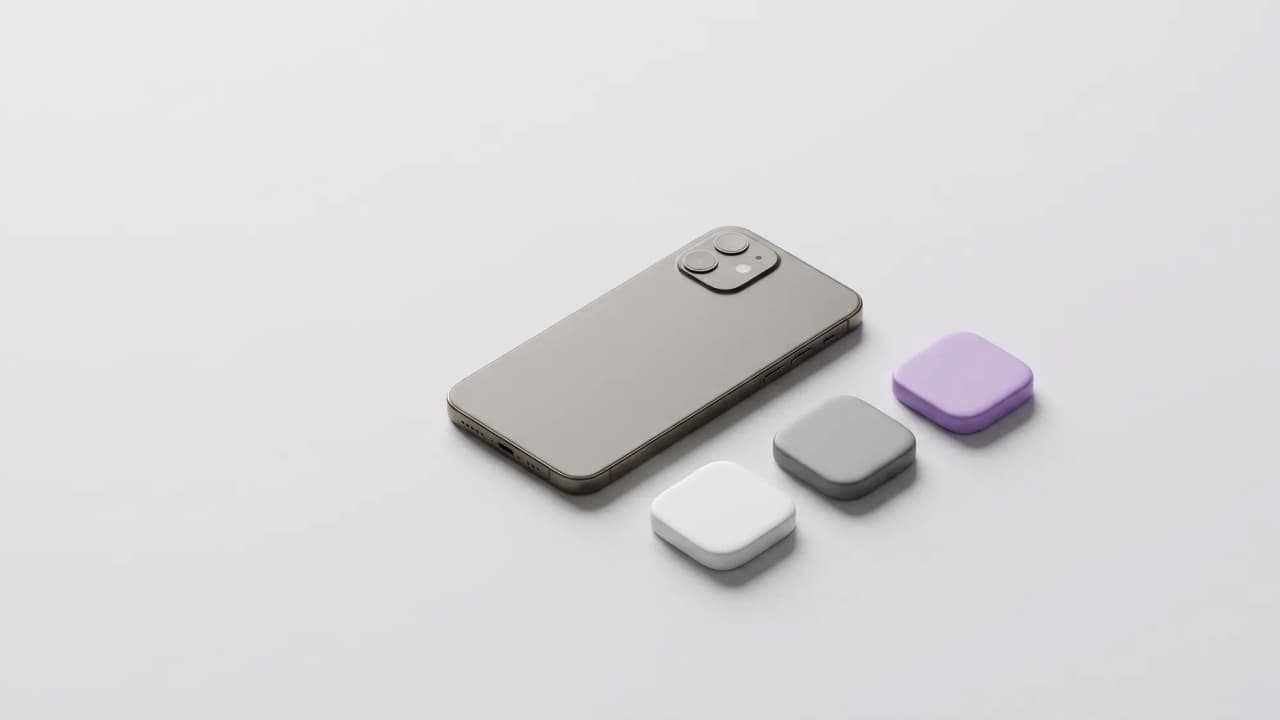
A progressive web app, or PWA, is a website that people can install like an app. It gets its own icon on the home screen, opens in its own window without the browser's address bar, and can keep working when the signal drops. There's no app store, and nothing to download first.
The manifest
A small file tells the device the app's name, its icons, its colours and how it should open:
{
  "name": "Your Business",
  "short_name": "Business",
  "start_url": "/",
  "display": "standalone",
  "background_color": "#ffffff",
  "theme_color": "#ffffff",
  "icons": [
    { "src": "/icon-192.png", "sizes": "192x192", "type": "image/png" },
    { "src": "/icon-512.png", "sizes": "512x512", "type": "image/png" },
    { "src": "/icon-512-maskable.png", "sizes": "512x512", "type": "image/png", "purpose": "maskable" }
  ]
}
Icons that survive any shape
Android trims icons into circles, squircles or rounded squares depending on the phone. A 'maskable' icon keeps the logo inside the middle of the image, with plain background around it, so nothing important gets cut off. iPhones use a separate apple-touch-icon instead.
Working offline
A service worker is a small script that sits between the site and the network. It can keep the pages someone has already seen, and show a friendly 'you're offline' page instead of the browser's error.
Installing it
- On Android and on computers, Chrome and Edge offer to install the site from the address bar or menu.
- On iPhone and iPad, people tap Share in Safari, then Add to Home Screen.
- The site must be served over HTTPS.
When it's worth it
For something customers come back to often, like booking, ordering or a tool your staff use every day, being one tap away on the home screen helps. For a simple brochure site, a fast, clear website is enough.
Contact
John Kylle Pantorilla
Web developer